In this guide I explain how to check what an AI system searches for on the web to answer a prompt, what you can learn from those searches, and how to use them to improve the content on your site.
Ask for a gaming monitor recommendation at a sensible price, and the system may search separately for specs, comparisons and prices. The specs help it check whether the monitor suits gaming, and the price helps it check whether the monitor fits the budget. Reading those searches can point to information that is missing from a product page or a buying guide.
I’ll use a test I ran in ChatGPT to show how to get from a list of searches to decisions about content.
What is query fan-out and how does it work?
From a prompt to a query fan-out
Query fan-out is the process where an AI system breaks a question into several web searches. Each search covers a different part of the question. In AI Mode and AI Overviews, Google may use this method to find the information it needs to put an answer together.
With the Gemini API’s Google Search grounding, the model can also write several searches from a single request. The prompt is what we asked the system. The query fan-out is the set of searches it ran on the web to answer. Google: Grounding with Google Search (Gemini API)
Searching in several directions and over several rounds
The system can look for information on several parts of the question, then keep searching based on what it found. ChatGPT can send queries to search providers and write follow-up searches after it gets the first results. The list of queries alone does not tell you whether all the searches ran in parallel, or what led the system from one search to the next. OpenAI: ChatGPT search
The term is also spelled query fanout or query fan out. For analysis, it is more useful to understand what information each search is trying to find than to count how many phrasings were generated.
Example: what did ChatGPT search for to recommend a gaming monitor?

The original prompt and the searches I saw
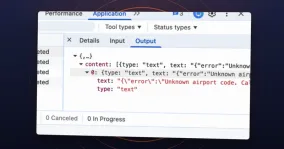
I asked ChatGPT, in Hebrew, to recommend a good computer monitor for new games at a sensible price. These are the searches I saw in that test:
best value 27 inch 1440p 180Hz IPS gaming monitor 2026 official specs
site:ksp.co.il מסך גיימינג 27 1440p 180Hz IPS
site:ivory.co.il מסך גיימינג 27 1440p 180Hz IPS
Gigabyte GS27QA official specifications
Dell Alienware AW2725DM official specifications
AOC Q27G4XF official specifications
site:zap.co.il GS27QA AW2725DM Q27G4XF
site:ivory.co.il "Q27G4XF" מחיר
site:ksp.co.il "GS27QA" מחיר
site:ivory.co.il "AW2725DM" מחיר
site:ivory.co.il "XG27ACS" מחיר
The list includes a general search in English, spec searches for specific models, and Hebrew searches on Israeli electronics stores (KSP, Ivory) and a price comparison site (Zap). The Hebrew words mean “gaming monitor” and “price”. The site: operator limits a search to one site, so site:ivory.co.il points to a search on Ivory’s site. A store’s name appearing in a query does not mean the store was cited in the answer.
The example shows what ChatGPT searched for in one conversation in my account. It does not include the sources that got a link in the answer, and it cannot tell you what ChatGPT would search for in another conversation or why it picked these particular models.
A spec search and a price search help answer different questions: does the monitor suit gaming, and is it within budget. I would group the queries by those questions, even when some are in Hebrew and some in English. Two different phrasings can be looking for exactly the same information.
How to see which searches ChatGPT ran in a conversation
You can do this research in two ways. The manual way is to run prompts and check the exposed queries with an extension such as the Chrome extension I built for ChatGPT. The extension helps you collect and read the data in each conversation, and comparing tests is a separate step you do yourself. It is a convenient way to explore examples and understand what the AI searched for in response to a specific prompt, but a handful of manual tests is not enough to tell which patterns repeat over time.
The second way is automated tracking with a tool that runs the same prompts on a schedule, collects the exposed queries and gathers the queries and patterns that repeat over time. When you choose a tool, make sure it actually collects search queries and does not stop at tracking mentions and citations. Tracking like this lets you compare tests and see what repeats in your sample, but it is still not data on what customers actually ask.
What is the difference between a query, a source and a citation?
- Query: what the AI searched for on the web to build the answer.
- Source: a web page that appeared in the search results the AI got back.
- Citation: a link to a source that the AI included in the answer itself.
Running a check in ChatGPT with the extension
Once the extension is installed, you can run a short check in a new conversation:
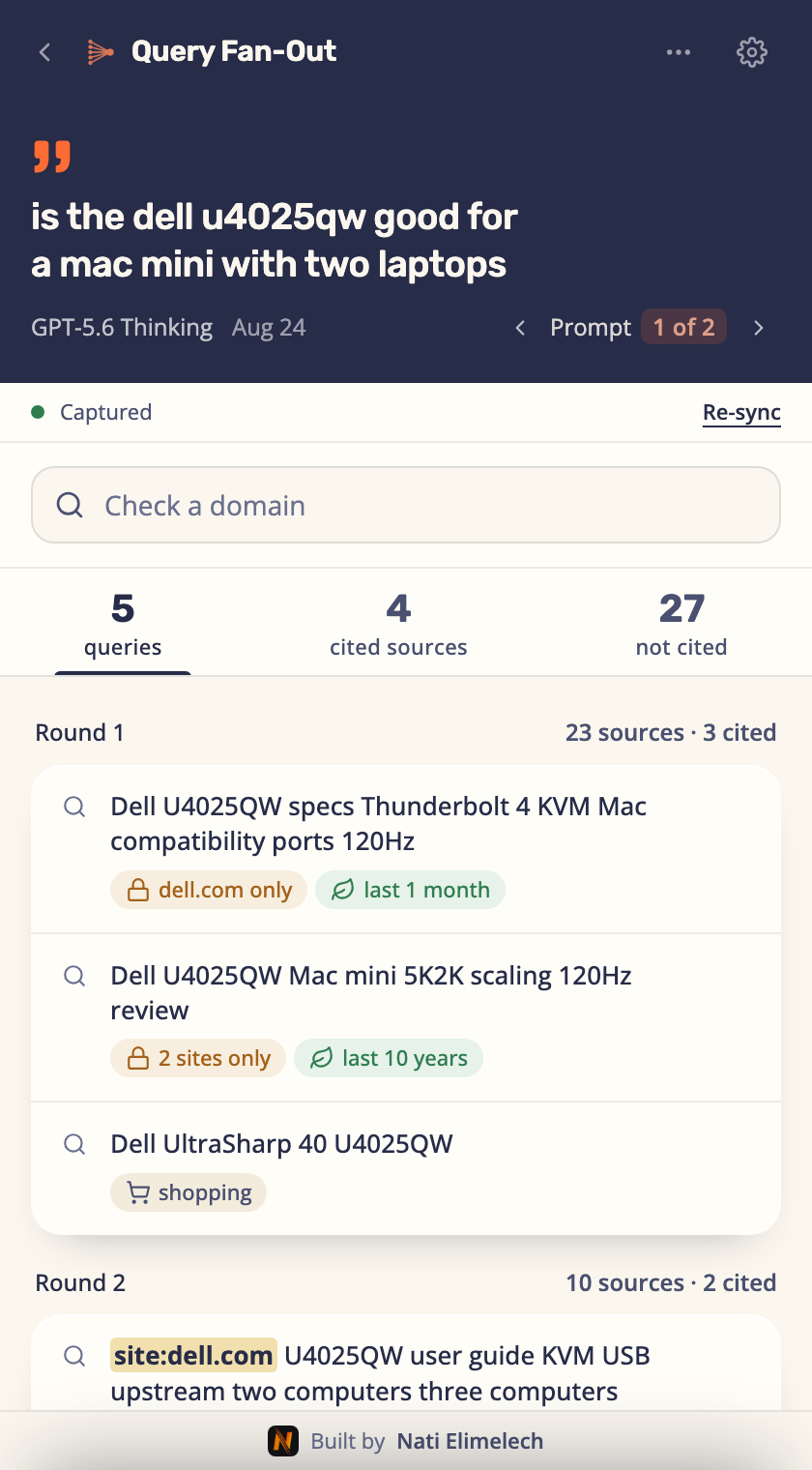
- Open ChatGPT in Chrome while signed in, and click the extension’s icon in the browser toolbar. The extension opens in a side panel next to the conversation.
- Send a test prompt about the product, service or topic you want to research, one that needs information from the web, and turn on web search if it did not start on its own.
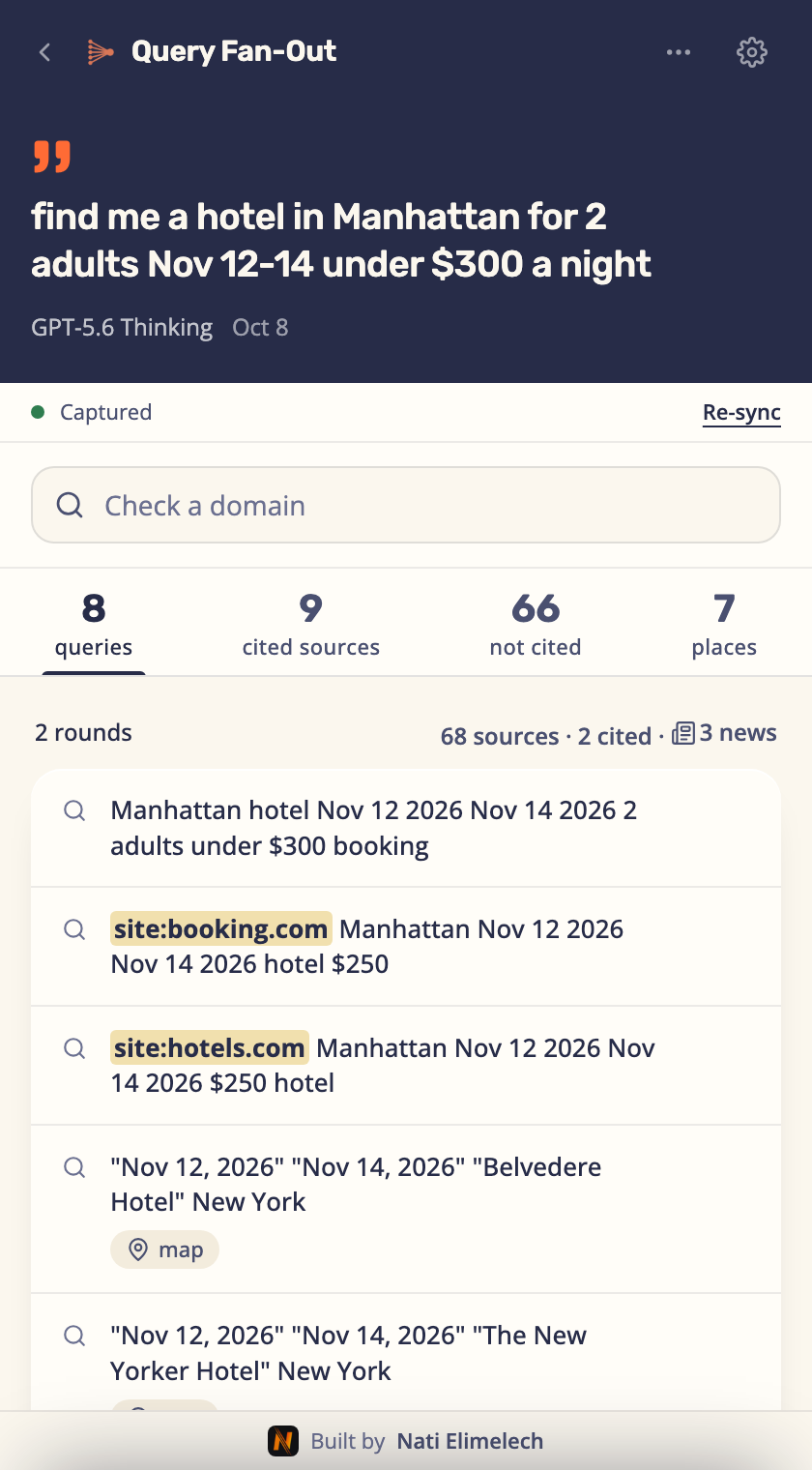
- Wait for the answer to finish. Queries appear in the panel while the answer is being written, and sources and citations fill in a few seconds after it ends.
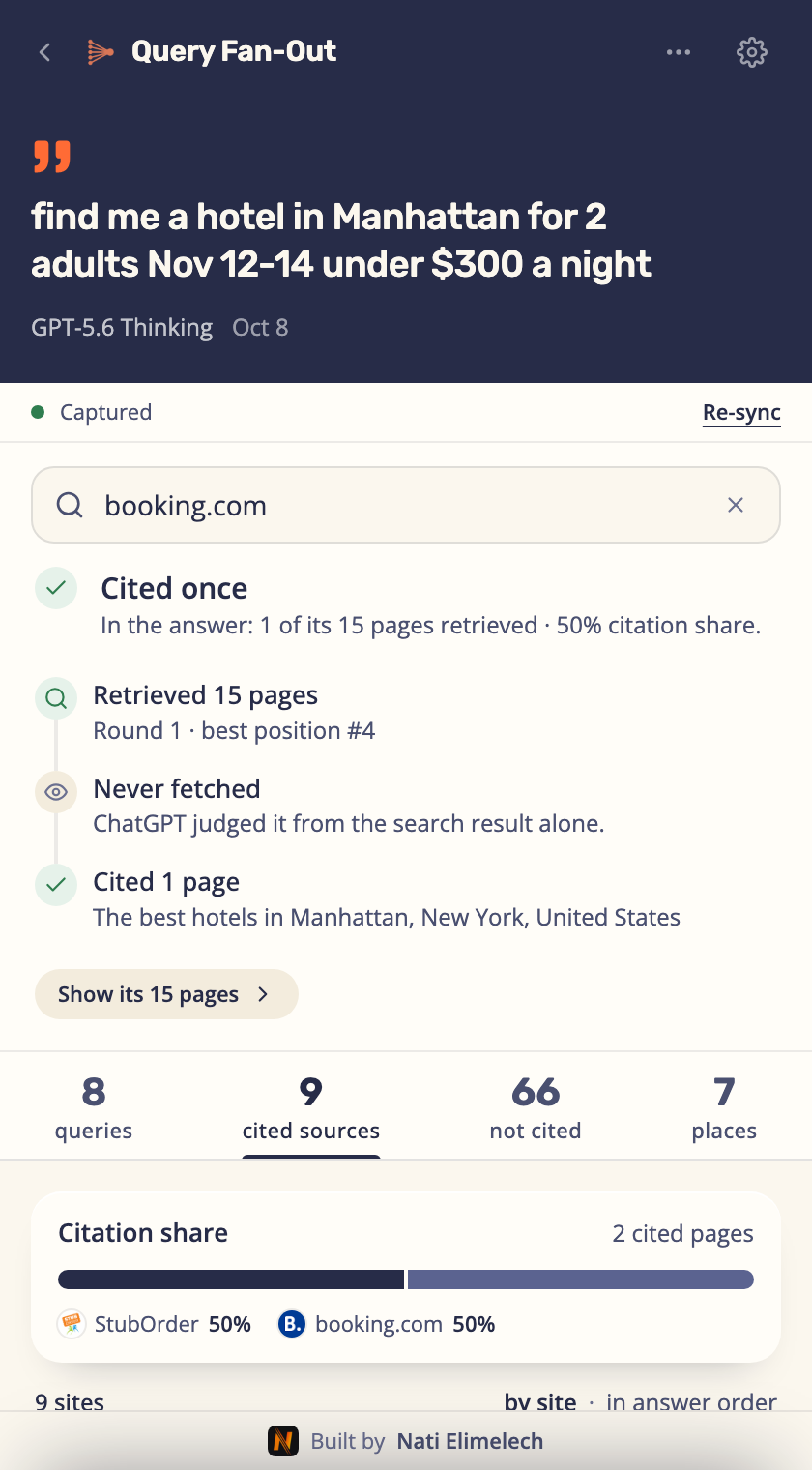
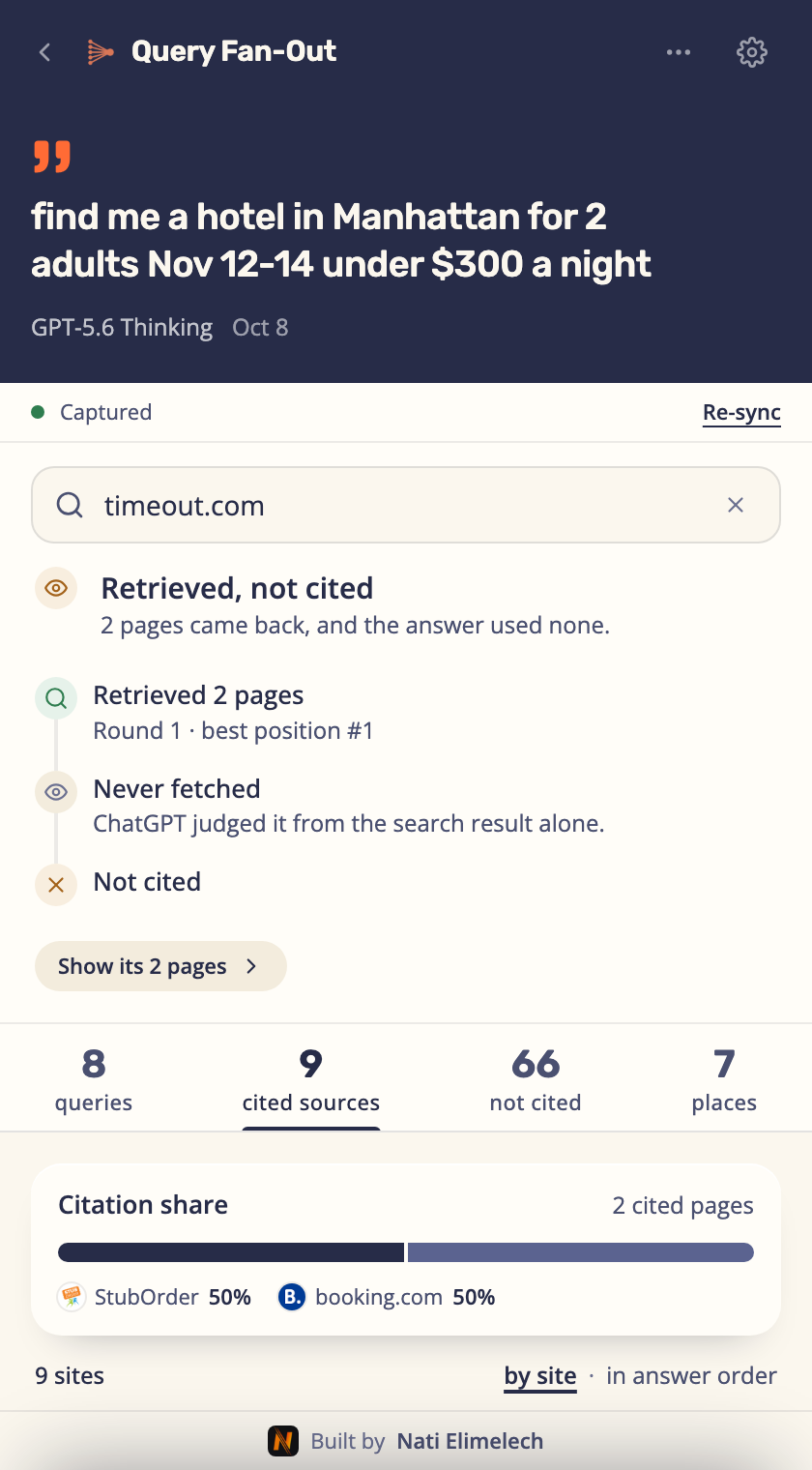
- Switch between the “queries”, “cited sources” and “not cited” tabs. When the answer includes a map or a shopping carousel, “places” or “products” tabs appear too. In the “Check a domain” field you can type a domain and see whether the searches reached it and whether the answer cited it.
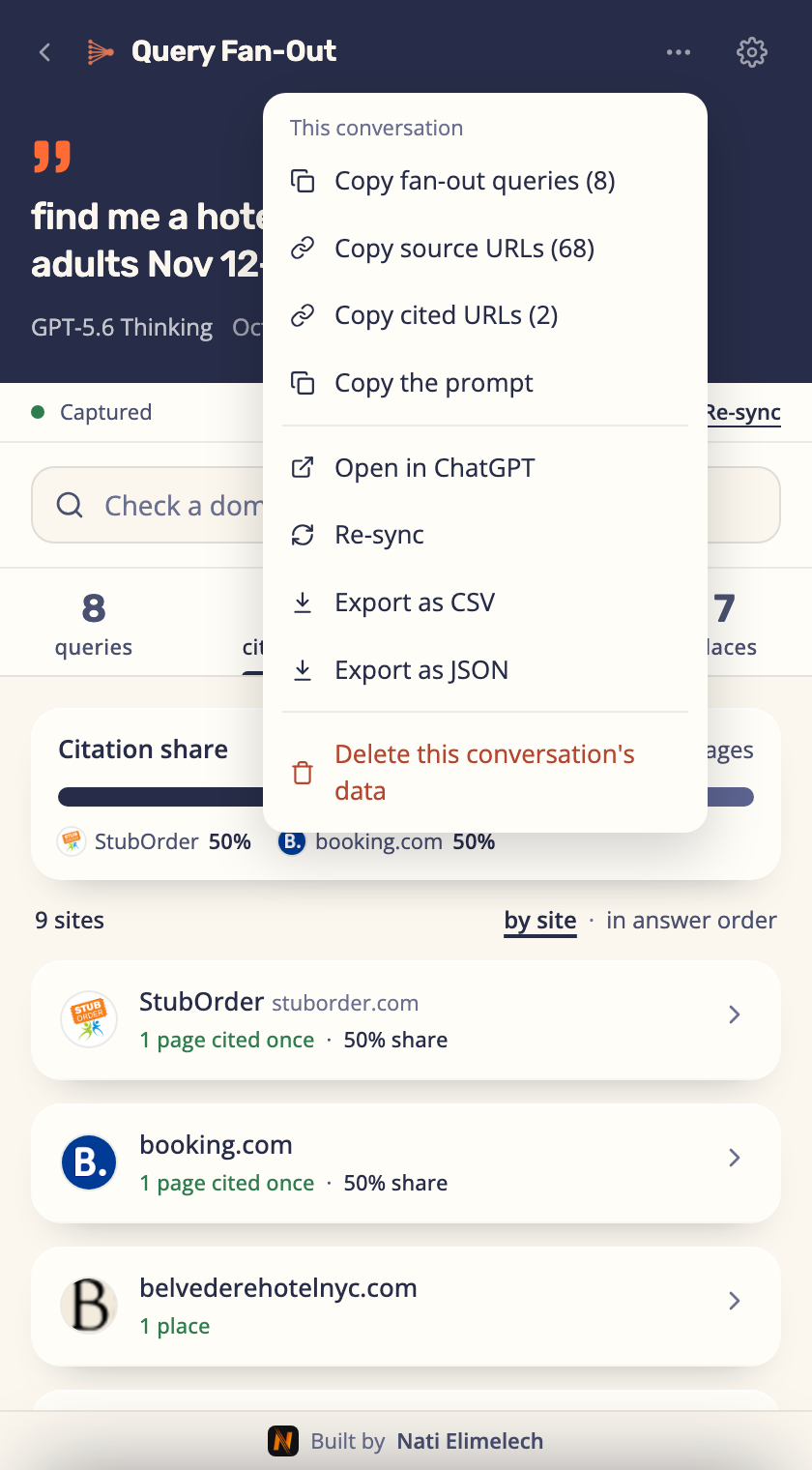
- Save the prompt and the answer alongside the data. In the “More” menu, under “This conversation”, choose “Export as CSV” to save a table you can open in Excel or Google Sheets.
What can you conclude from the data you collected?
The query fan-out shows what the AI searched for to answer the prompt you tested: which models it checked, which comparisons it looked for and what information it tried to find. That can help you choose what to add to your site’s content, even without knowing how many people ask a similar question. The test does not reveal how customers phrase their prompts or how often they ask each question, and the extension can only show the data it managed to read from the conversation.
If the query list is empty, check whether ChatGPT searched the web and whether the extension managed to collect the conversation’s data. There may have been no search, the search data may not have been available to the extension, or the collection may have failed. An empty list does not mean nobody is interested in the topic.
How to collect query fan-outs you can compare
Choosing prompts to test
Questions that come up in sales calls and support requests can give you ideas for test prompts. A comparison between products or services can also be a starting point. It helps to separate questions about a need, comparisons, and questions about a brand. I wrote a separate guide on these prompt types, and the link is under further reading at the end of this post. These are prompts you picked for research, and they do not prove that customers ask the AI the same questions.
Recording the prompt and the test conditions
For each test, open a row in a spreadsheet and record the prompt and the conditions under which the answer was collected:
- The test date.
- The system, model and version shown in the interface or API response. If the version is not shown, record that.
- Whether the test used the system’s website or app, or an API that lets another program request an answer. Also record whether it used a signed-in account and which account plan.
- The web search mode, including whether search started automatically or was selected manually.
- The language and region the prompt refers to, and the country selected in the tracking tool if it offers that setting.
- Whether it was a new conversation and whether memory was on.
A short ID such as “monitor-01” and a link to the conversation will help you later connect the test to the queries collected in it.
In a second sheet, each row can hold one query: the test ID, what the AI searched for, what information it was trying to find and which page on your site could provide it. If the same test had three queries about price, it is still one test in which the system searched for price. Count it once when you check how many tests the topic came back in.
Repeating the test and spotting patterns
Even when you send the same prompt again, the AI can search for different things. To make the comparison useful, keep the same wording and test conditions, and open new conversations. Compare tests in different languages, regions, models or collection methods separately. If the model or collection method changes, record when it happened so you can interpret the results before and after the change.
You can start with a few prompts related to the business and repeat them at different times. Save the queries and the answer every time, even when your site did not get a link. That way you can see which searches repeat across tests, instead of picking only the answers where your site showed up.
In your records, note how many tests you ran and how many of them each topic appeared in. For example, “a search for specs appeared in four of six tests” describes exactly what those tests found. That is an example of how to record it, not a result from my test, and it does not mean that four out of six customers will get the same searches.
Spotting topics and sources that repeat
Once the queries are grouped, check which topics and which pages repeat across tests. If the same page shows up again, open it and see what it has: clear specs, a current price, a comparison or a review of the product. That tells you what information the page provides. Showing up again and again does not prove that the AI “trusts” the site.
Record the sources in a separate sheet, with the test ID, the page URL, whether the answer links to it and what is written next to the link. If the data does not show which query led to the page, there is no reason to guess. For example, when the answer gives a price next to a link to a product page, open the page and check that it is the same model, at the same price and on the same terms.
How to turn the findings into content improvements
Before writing new content, check whether your site already has a page that should provide the information the AI searched for. A spec search for a model your site sells is a reason to check that model’s product page. If the specs are missing, unclear or only in an image, you can add them as text and explain what the numbers mean for someone thinking of buying.
The table below shows how I would use the queries from my test to decide what to improve on a site that sells monitors:
| Observed query | The customer’s need | What to check on the site, and the possible action |
|---|---|---|
Gigabyte GS27QA official specifications | Understand whether the specs suit their use | Check the model’s page, fill in missing data and explain what it means. |
site:ivory.co.il "Q27G4XF" מחיר (price) | Find the price at a specific store | At Ivory, check that the price and availability are clear and current. At another store, check whether it sells the model and whether its product details are complete. |
site:zap.co.il GS27QA AW2725DM Q27G4XF | Compare models | Check whether the site has a useful comparison. If it is missing, consider a page that helps people choose by budget and use. |
These three searches do not call for three new pages. Specs and price can be covered on an existing product page. A comparison may justify a separate page if it helps the customer choose between models. Before writing, check what information already exists and where an explanation is missing.
Prioritizing by relevance to the business and the customer
I would start with information people need before buying: whether the product fits, what it costs, whether it is in stock and how it differs from the alternatives. If the AI searched for the same information in several tests and your site lacks it, check whether you can add it to an existing page. How many times a search appeared in your tests does not tell you how many customers search for it, so also weigh customer inquiries and your site’s search data.
As a GEO expert, I would use this analysis to choose which information to fill in on a site, based on customers’ questions and on the products and services the business offers.